Haderech Shuttle

Office sign in

Credit cards do not work until Stripe is connected. Connect Stripe
Tracking History Phone Bus cards Payments Bus rental Route setup Setup

BusStopCameLeft

Talk to a person

Feedback from riders

WhenFromLength

Who can call

Phone numberName

Rides with no signal that were not paid

WhenBusCardFareWhy

Leave the card number empty and the account gets a new card to print. For a card that is there already, click in the box and scan it.

Copy the rows of your sheet and paste them here. The columns, in this order: name, phone, address. Each row becomes an account with a new card.

Or pick a CSV file:

on the card

The phone number gets a text receipt when money is added. Type it only when the rider asked for that.

History

WhenWhatMoneyLeft on the card

WhenAmountWhat forBus card or busState

New booking

Customer

Trip

Price

See the miles and minutes of this trip on Google Maps

TextToWhen

Asked on the website

WhenCustomerTrip

SunMonTueWedThuFriSat

Next trips

WhenCustomerTripPrice

Texts

A new rental sends a text to its driver and to these numbers. So does its reminder.

Prices

Routes Stops Calendar Buses
Route nameFirst dateLast dateStartsEndsDays of the weekBuses

Leave a date empty for no limit on that side. The same start and end time means 24 hours: 12:00 AM to 12:00 AM is the whole day.

StopNameAddressPriceBus

The price is what a ride to this stop costs. 0 is free. When the stops of a route have different prices, riders press their stop on the tablet.

Copy the rows of your sheet and paste them here. The columns, in this order: stop number, name, address. The stops go on the route and the bus picked above.

Or pick a CSV file:

Click the map where the stop sign is.

Exceptions

DatesDaysTime

None. Press + for days the route runs at other times, or does not run.

SunMonTueWedThuFriSat

Runs Exception Does not run

BusColorRoutesTablets

Use a Samsung tablet that is brand new, or that was reset to the way it left the store. It cannot be an iPad.
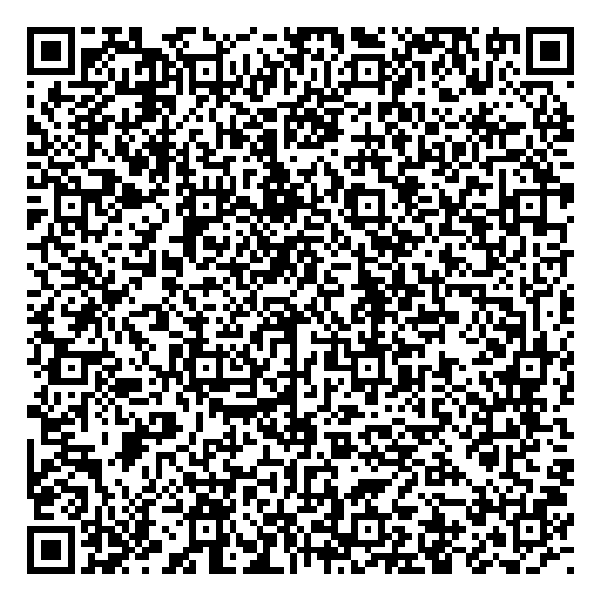
  1. Put the SIM card in the tablet and turn it on.
  2. The tablet shows its first screen. Tap an empty part of that screen 6 times. A camera opens.
  3. Hold the tablet so its camera sees this square.
    Square code that sets up a new tablet
    The tablet now gets the bus app by itself. Press Next when it asks. This takes a few minutes.
  4. The tablet asks for 6 numbers. Type and press Connect. These numbers work for minutes.

Done. The tablet now shows only the bus screen. It updates by itself.

Does the tablet have the bus app already? Then only do step 4.

Users Credit cards
NameUsernameManagerTrackingHistoryPhoneBus cardsPaymentsBus rentalRoute setup, Credit cardsBlocked

Add a user

How to set up credit cards
  1. Make a Stripe account for the bus company at dashboard.stripe.com/register. Stripe is the company that takes the credit cards and pays the money to the bus company.
  2. Stripe asks about the business and for its bank account. Fill it in at dashboard.stripe.com/account/onboarding. The money from the cards goes to that bank account. Until this is done, Stripe takes no real payments.
  3. Open dashboard.stripe.com/apikeys and press "Create secret key". Stripe sends a code by email or text. Type the code, give the key a name, for example "Bus system", and press "Create".
  4. Copy the key. It starts with sk_live_. Stripe shows it only this one time.
  5. Paste the key into "Stripe secret key" below, type the address of the bus company, and press "Connect Stripe". The line on top then says "Connected to the Stripe account".
  6. Type the amounts a rider can add to a bus card, for example 10, 20, and press "Save amounts".
  7. Order one "Stripe Reader M2" for each bus door. In Stripe, open "Readers" and press "Shop", or go to dashboard.stripe.com/terminal/shop. A reader costs $59.
  8. When a reader comes, charge it and switch it on beside the tablet of its door. The tablet lists the readers it finds. Press the one with the number that is printed on the reader. This is done one time for each door.

What Stripe keeps: 2.7% + 5 cents of a card tapped on the bus, and 2.9% + 30 cents of a fill-up paid in the office. Stripe says the first payout to the bank usually takes 7 to 14 days after the first payment, and later ones 2 business days. The payments are also in Stripe under "Transactions", the payouts under "Balances". Prices and times are Stripe's, read on November 12, 2026.

The owner of the bus company copies it from dashboard.stripe.com/apikeys. It is typed here one time.